Do You Need Mesh Wi-Fi, or Just a Better Router Location?
Our buying advice is based on published specifications and documented features. The shop links below go to official stores and currently contain no affiliate tracking. Read our disclosure.
Gear to consider
Start with your use case. Check the store for the current price, compatibility, and availability.
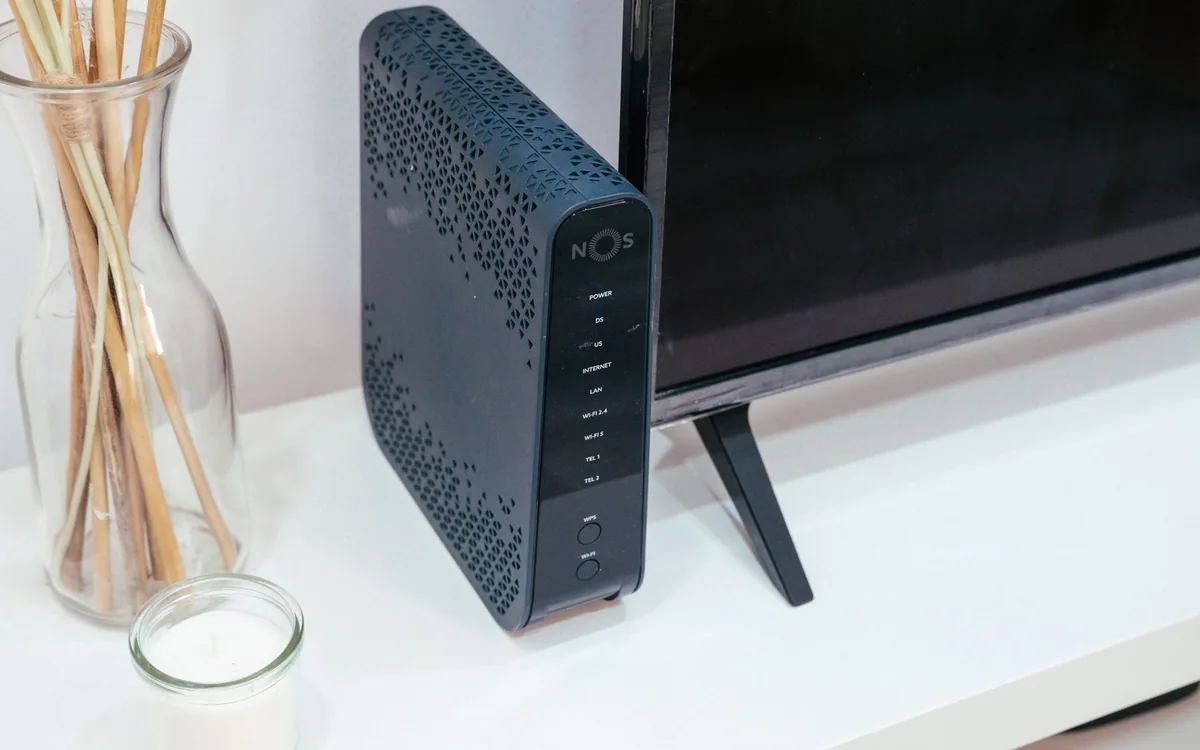
The laptop works beside the kitchen router but stutters in the spare bedroom where you take calls. Streaming a film is fine until somebody closes the hallway door. It is tempting to order the biggest mesh bundle and scatter nodes around the house.
A better first step is to establish what changes between the good location and the bad one. Mesh can extend useful coverage, but it cannot turn a weak upstream connection into a faster internet plan or make every wall transparent.
| Symptom | Investigate first | Possible purchase |
|---|---|---|
| Poor service everywhere | Internet connection and main router | Only after the fault is identified |
| One distant room fails | Router placement and wall path | Mesh or a wired access point |
| Only one laptop fails | Laptop software and radio behavior | Possibly no networking hardware |
Make a small map of the problem
Use the same laptop or phone to compare the room near the router with the room where work fails. Repeat a representative task, such as a video call or a large file transfer, at a similar time of day. Note whether the problem affects all devices or only one. If the same device fails everywhere, investigate that device before rebuilding the network.
Also distinguish a local wireless problem from an internet-service problem. A wired connection, where available, helps isolate the upstream path. Write down the modem, router, and any provider gateway already installed. Buying new equipment without understanding these roles can create an unnecessary second routing layer and a more confusing support situation.
Try a location change before adding hardware
Move an accessible router into a more open, central position if the incoming connection and cabling allow it. Avoid hiding it behind a television, inside a closed cabinet, or at floor level behind furniture. The practical goal is a clearer radio path to the rooms you use. A small change may remove the need for another device and its permanent power outlet.
If the provider connection fixes the router at one edge of the home, consider whether an Ethernet cable can reach a more useful access-point location. In a rental, existing cable routes may be limited. Even so, the cost and inconvenience of one appropriate cable deserve comparison with a larger wireless system.
Understand what a mesh node must connect to
A remote mesh unit needs a usable connection back toward the main unit. Placing it in the deepest dead zone can simply give you a strong-looking signal from a node with a poor upstream link. A position partway toward the difficult room is often a better starting hypothesis. Follow the system's placement guidance and assess the actual task after installation.
The Deco X55 is a dual-band Wi-Fi 6 system with Gigabit Ethernet ports. It is a plausible specification-based option when you want coordinated coverage and can use ordinary gigabit wired connections. Its advertised combined wireless figures are not a promise of internet speed at your desk. Walls, interference, client hardware, and backhaul all affect the outcome.
Choose the pack and ports around the floor plan
A compact apartment may need one well-placed router rather than several mesh units. A long home with separate work areas may justify more than one. Buy a pack for the actual layout, not the largest square-foot number printed in marketing. Too many nearby units can add cost and placement problems without addressing the original obstruction.
Check wired ports for the devices that benefit from them: a desktop, console, television, or wired backhaul cable. Gigabit ports are suitable for many ordinary home connections, but they are a limitation if your plan and local equipment genuinely need faster wired links. Compare that requirement before paying for a new wireless standard whose benefits your existing clients cannot use.
Plan the changeover and judge the result honestly
Save the existing network settings and identify devices that may need reconnecting, especially cameras and plugs. Decide whether the new system replaces the router or operates as access points behind it, using the official instructions for your equipment. Leave time to reconnect household devices rather than attempting the migration immediately before an important call.
Judge success in the difficult room with the same work task that originally failed. Check the path while moving between rooms, and verify ordinary household use when several people are online. Keep the packaging through this evaluation period. Skip mesh if a location adjustment solves the issue, or if wired access to your only work desk is both simpler and more dependable.
Common questions
Will mesh improve my internet plan speed?
It can improve the wireless connection between your device and router, but the internet service itself remains a separate limit.
Where should I put the second node?
Start where it still has a good upstream connection while moving coverage toward the problem room. Avoid placing it automatically in the worst dead zone.
Should I buy Wi-Fi 7 instead?
Compare supported client devices, wired port requirements, backhaul, and cost. A newer label does not remove a poor placement or wiring constraint.
Sources & editorial notes
Manufacturer and support documentation checked for this guide. Features, regional availability, and prices can change. Our recommendations apply those documented features to everyday scenarios; they do not represent hands-on testing.
- TP-Link Deco X55 official specifications and placement context · Checked 2026-10-19
Found an error? Tell the editorial desk with the article link and a supporting source.